

Managing an Airbnb sounds straightforward — until you’re balancing back-to-back check-ins, fielding guest questions at midnight, coordinating cleaners, and trying to keep your ratings from slipping. For hosts and property managers, the challenge isn’t just keeping up; it’s keeping standards high across every listing, every time.
That’s where Airbnb’s Quality Dashboard comes in.
More than a scorecard, it’s a centralized tool that turns guest feedback into actionable insights, so you can spot small issues before they become big problems — and consistently deliver the kind of stays that earn glowing 5-star reviews.
In this guide, we’ll walk through 10 practical ways to use the Quality Dashboard to not only protect your ratings, but also build a reputation that stands out in a crowded market.
Before jumping into action, let’s have a quick look at what the Quality Dashboard is and how you can navigate through it.
What is Airbnb’s Quality Dashboard?
The Quality Dashboard is a powerful tool designed to help property managers monitor and improve their listings by providing clear insights into guest feedback and operational performance.
It offers a comprehensive overview of listing status based on guest complaints and rule violations, categorized by areas such as:
- Cleanliness
- Accuracy
- Check-in
- Communication
- Cancellation
Alongside, it tracks key achievements like connection rates and review frequency, while visually breaking down guest ratings to highlight where attention is needed.
It performs a suite of functions:
The Optimization Overview section gives each listing a status (Educate, Warn, Probation, Additional Warn) based on guest complaints and rule violations. Property managers can filter issues by categories like Cleanliness, Accuracy, Check-in, Communication, and Cancellation.
The Achievements Snapshot tracks performance metrics such as listing connection rate, guest review frequency, and non-refundable rate usage.
In the Reviews Metrics section, guest ratings are broken down and color-coded: Green (5 stars) indicates expectations are met, Orange (4 stars) signals moderate concerns, and Red (1–3 stars) demands urgent attention.
Together, these features enable you to enhance guest satisfaction by spotting recurring issues, implementing strategic improvements, and using performance data to build credibility.
Now let’s explore how to navigate the dashboard with these 10 proven ways to harness the Quality of your listings on Airbnb to deliver better guest experiences and more 5-star reviews.
1. Keep it clean
Using the optimization section of the dashboard, property managers can filter issues by several categories, one of which is cleanliness. When the dashboard flags declining cleanliness scores, it’s a sign that the operations side of your listings need attention.
You can scan guest reviews for recurring problems like hair in the bathroom or missed bins, through which you can review your team’s performance and retrain if needed.
If your dashboard shows that top keyword complaints include words like “dirty” or “untidy”, add FAQ entries or reassuring details to your listing, such as: “Our team deep cleans, disinfects, and ventilates every room before arrival.” High-quality photos of freshly prepared spaces can also subtly reinforce your commitment to cleanliness.
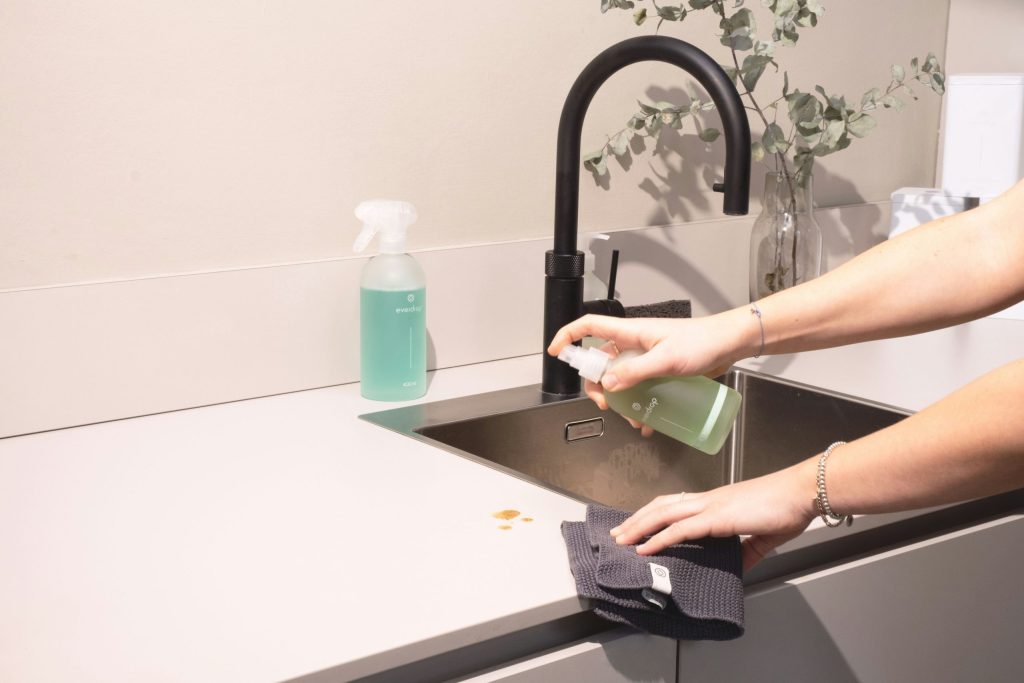
Consider adding a post-cleaning checklist for cleaners to complete and share through your property management system (PMS).
Scenario:
Your dashboard shows a dip in cleanliness ratings for one unit. The issue tag “smell” appears frequently. You discover cleaners aren’t opening windows during turnovers, so you add that to the checklist, include fresh-scent diffusers, and update your listing to describe your new sanitation routine.
2. Leverage Airbnb achievements
The Achievements section of the Quality Dashboard offers a concise overview of how well your listings align with Airbnb’s top-promoted features, highlighting four core indicators that shape your performance on the platform.
- Connected Airbnb: Shows the percentage of properties correctly linked to Airbnb through your channel manager. If this number isn’t 100%, it may indicate broken connections or incomplete syncing. Check regularly and resolve any disconnections promptly.
- Airbnb Non-Refundable Rates: Tracks how many listings offer non-refundable options. These can attract price-sensitive travellers and boost conversion, especially when paired with a small discount.
- Reviewed Bookings Airbnb, and With Airbnb Reviews: Measure how consistently you and your guests are leaving reviews. Maintaining a high percentage here builds trust and contributes to your reputation.
Scenario:
You notice that only 60% of bookings have guest reviews, while competitor listings in your area all have high feedback volume. You update your post-checkout messaging to include a gentle review reminder and experiment with a thank-you message that highlights your commitment to guest experience.
3. Improve listing accuracy
Guest satisfaction is largely tied to how accurately the experience matches their expectations. Complaints are often the result of outdated listings or misleading photos, so you can monitor the “Accuracy” score on your Quality Dashboard, and when it drops, revisit every part of your listing.
Are the amenities listed correctly? Are photos current?
Make updates where necessary, and be especially honest about drawbacks to reduce surprises. Omitting key information like this may result in more bookings in the short-term, but it isn’t worth accumulating dissatisfied reviews in the long-term. If tags like “not as described” appear frequently, that’s your cue to adjust your listing’s wording.

Scenario:
Multiple guests mention being disturbed by traffic noise at night, and your Quality Dashboard flags a recurring accuracy issue. You realise the listing’s description doesn’t mention the flat faces a busy road. To manage expectations, you update the listing to include a note about potential street noise and highlight the availability of earplugs and double glazing.
4. Optimize guest communication
The dashboard’s “Communication” category tracks guest feedback about your responsiveness. A drop in this score often signals slow replies or missed questions.
This is one of the best use-cases for adopting automated messaging into your rental management strategy. You can set up customized information packs to be scheduled at key moments in your guests’ stay, as well as using virtual assistants for immediate responses and off-hours coverage. Standardize reply templates across your team to ensure consistency.
With these systems in place, you can confidently add a line in your listing to build reassurance, such as: “We respond to all guest messages within one hour, day or night.”
Scenario:
Your dashboard shows a consistent drop in communication scores during the days where you are driving long distances and visiting your own family. You set up a virtual assistant to monitor messages on these days and implement quick-reply templates with standardized information packs.
5. Give guests great value
Guests often care less about price, and more about whether they feel they got their money’s worth. If your “Value” score dips, or if reviews feature keywords like “overpriced”, think about how to adapt your listing to mitigate this.
Small upgrades in your listing’s offerings and services can help increase perceived value without affecting your revenue. This can include things like better coffee, a handwritten welcome note, more toiletries, USB bedside chargers, or blackout curtains.

Also, you can look at competitors’ listings in your area to benchmark your pricing, and see what the standard offerings are like, so you can exceed them.
Scenario:
A spike in “Value” complaints follows a price hike during the peak summer season. Your dashboard flags this instantly. You respond by adding a welcome basket, complimentary suncream, and setting up an automated messaging that notifies guests of interesting local events during the week, then update your listing to showcase these extras.
6. Monitoring listing health
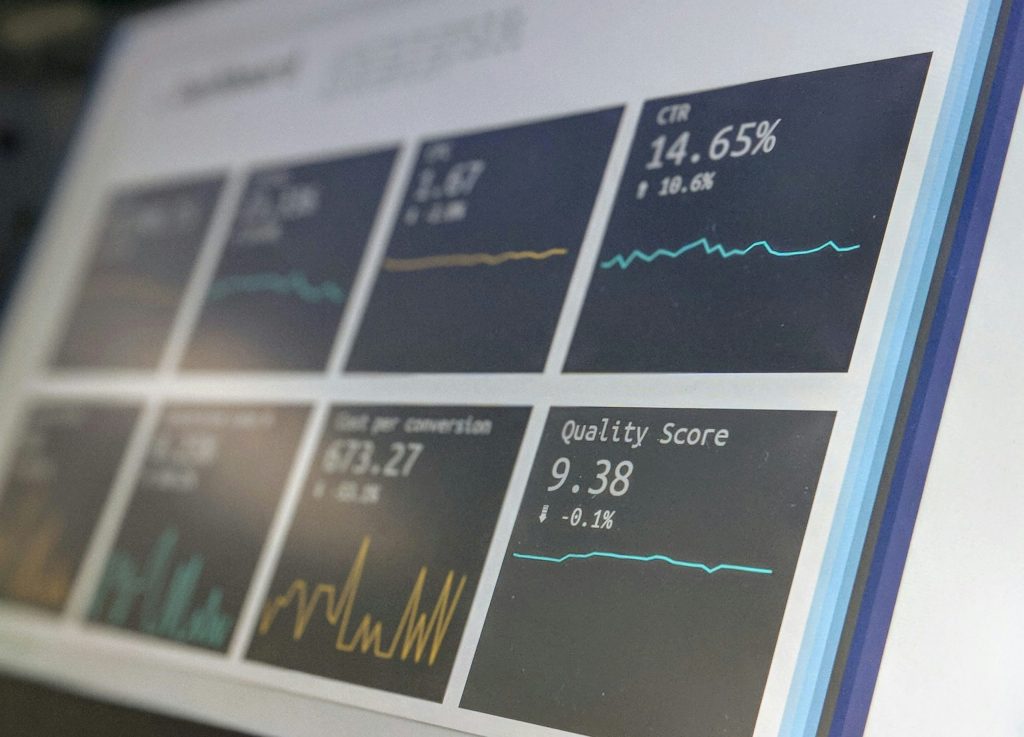
The Quality Dashboard shows whether your listing is in an Educate, Warn, Probation, Additional Warning, or Suspended phase. If you’re in Warn or Educate, act fast! Airbnb uses this data to determine visibility or listing suspension. Use the dashboard weekly to catch underperforming listings early and pause them temporarily if needed. Analyze the weakest metric for your properties, make improvements, and update your listings to reflect this.
Scenario:
A listing enters the Warn phase due to several low cleanliness ratings. You pause the listing for one week, retrain the cleaning staff, deep clean the unit, and take a fresh set of high-quality photos, updating the listing description to say, “New cleaning protocols as of August 2025.”
7. Using keywords to inform guest content
It’s simple, give the people what they need. The best thing is that they’ll tell you what this is through reviews, and one of the most useful features in the dashboard is the ability to track recurring complaint keywords.
Use this data to build or refine your FAQ content, adjust in-stay messaging, and pre-empt any concerns in your listing.
Scenario:
Your dashboard reveals that many guests complain about confusing Wi-Fi instructions. On inspection, you find that the password wasn’t clearly displayed. You update your guest book and pre-arrival email to include it. You also include clear instructions on where to find the router in the apartment, and update the FAQ section in your digital guide.
8. Use trends to identify wider issues
Looking at review trends across your portfolio helps you spot common issues between properties. If multiple listings share a low “Check-in” or “Communication” score, it may indicate a broader operational shortcoming. You can create an internal report and address this at team meetings, adjusting your protocols accordingly.
Don’t forget to update your listing descriptions to reflect these improvements with language like: “We’ve simplified our arrival experience based on guest feedback.”. This reassures future guests that they are being carefully considered.
Scenario:
Across five listings, you notice check-in ratings are under 4.5. The common thread? All use the same outdated key lockbox. You switch to smart locks across the board and update listings.
9. Stay ahead of the game
Don’t wait for issues to damage your listing. Use the dashboard to spot early signs like a slight dip in ratings, and update photos, text, or amenities before problems escalate. Even small language tweaks, like changing “close to nightlife” to “vibrant local neighborhood,” can align expectations better and soften the impact of anything that is less than ideal.
Each listing update is also a chance to show attentiveness. Use a change log note: “Updated amenities and clearer guidebook added August 2025.”
Scenario:
You notice the “Accuracy” rating dipped slightly on a listing after upgrading the furniture in the living area, although guests haven’t mentioned anything specifically. You promptly upload new photos, and adjust the description to match the new furniture.
10. Build your operations around Dashboard data
Make dashboard reviews part of your weekly operations meeting. Assign team members to monitor specific metrics, like cleanliness or communication, and report any trends. Then use those insights to inform training or operational adjustments.
Regular use of the dashboard keeps issues small and solvable. You can even set thresholds, for example, if a score drops below 4.4, or by a specific average percentage then trigger review or retraining. Share positive metrics too, to boost team morale.
Rental United’s Quality Dashboard for Airbnb is a powerful tool that provides property managers with real-time, review-driven insights to improve guest experience on Airbnb.

Accessible via Rental United’s analytics platform the dashboard aggregates guest feedback across listings, highlighting problem areas so users can take swift, informed action.
Scenario:
Your team meets every Tuesday to review dashboard data. When a dip in the “Communication” score is reported, your virtual assistant suggests a new evening message template. You implement it across all listings, and response times improve.
Conclusion
The Airbnb Quality Dashboard is a fantastic tool for damage control, but it is also much more than this. It’s your key to delivering consistently high guest experiences and boosting long-term revenue. By using it proactively, you can prevent future problems, as well as identifying areas to be creative, innovate, and offer your guests a premium experience that gives a feeling of excellent value.
Start simple, and start now. Set a calendar reminder to check your dashboard every week. Share insights with your team, and adjust your listings based on data.
Access the Quality Dashboard and lots more with Rental United’s Channel Manager.